Announcing UniFi Protect in Tempo
📅 May 7, 2026 · Leo from Caereforge
As you might guess, Tempo was built for my own needs and shaped around the tools I run in my home setup.
I use Ubiquiti gear for my network, UniFi specifically. And I have a few cameras I manage through Protect.
As of today, Protect is also available as a source inside Tempo, and it can render the same thumbnail Protect uses for motion detection directly in the action panel.
It’s a source I had set aside to focus on more pressing things, but it mattered to me that it made it into the first public release. UniFi is too common in network setups to leave it half-supported.
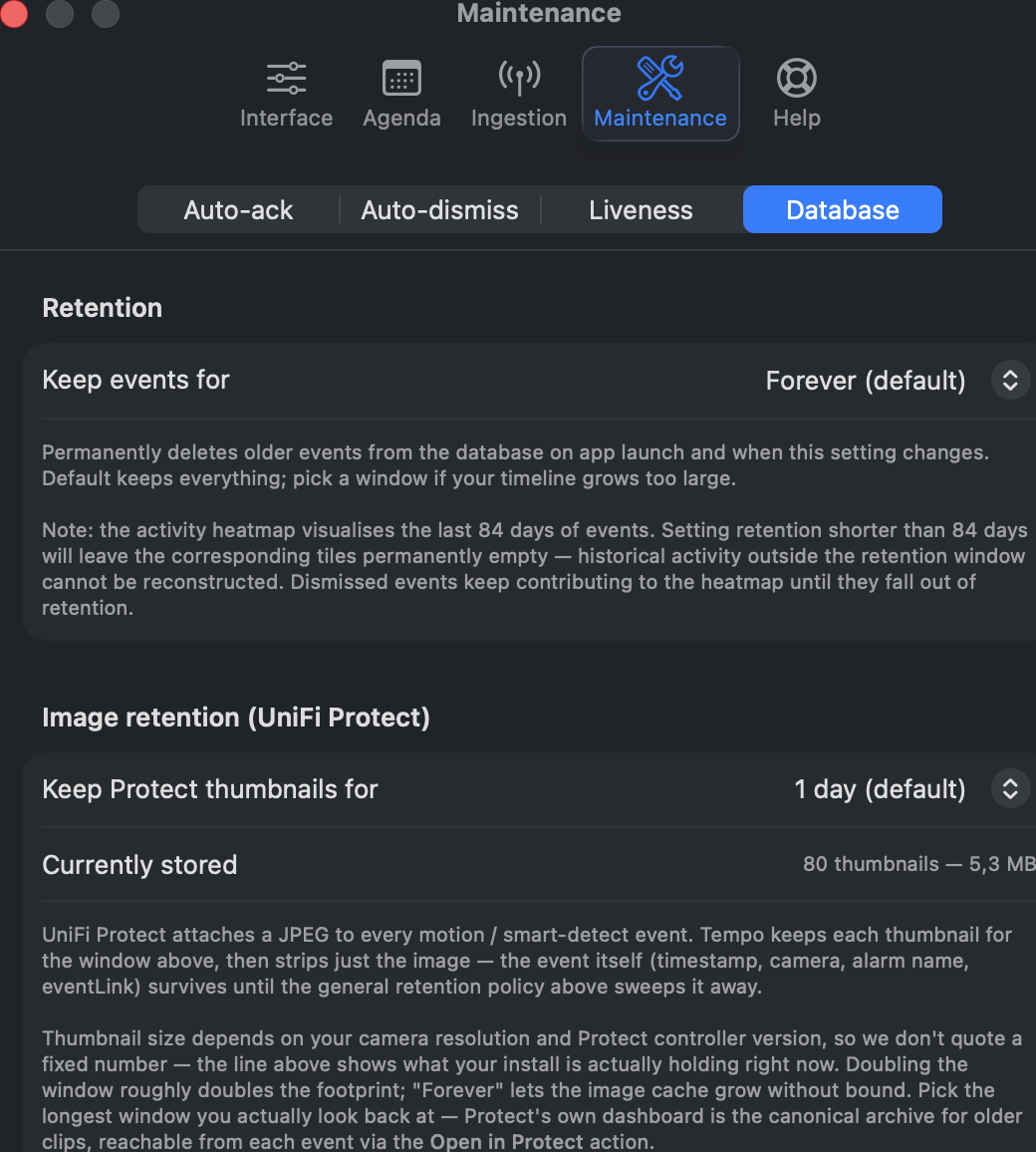
There’s one thing worth saying, though: the thumbnails Protect sends can vary widely in size. I happen to have AI-less cameras and a small number of them, so my limits are modest. But someone running five-plus 4K cameras with AI smart-detect (one alert per detection class) could see the image cache grow by 500 MB or more in a single day.
That’s why the default thumbnail retention is 1 day. You can raise it under Tempo → Settings → Maintenance → Database, where the panel shows how much disk the image cache is currently using and lets you pick the retention window that fits your setup.
Leo from Caereforge